
How it Works
You’ll quickly discover using Sitepics couldn’t be simpler, but let’s run through the basics to get you started.
-

In the field
Take a pic, add notes and fine-tune the location as needed.
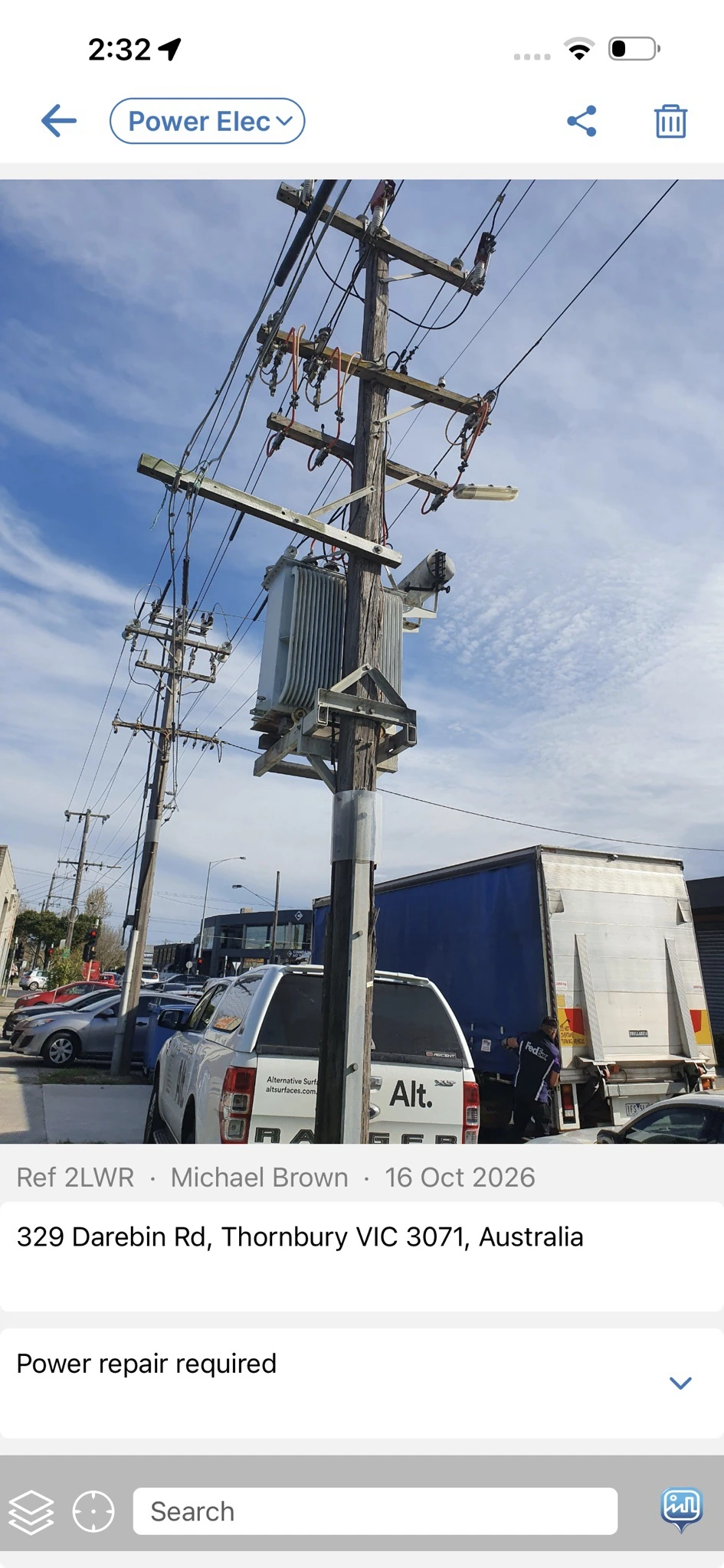
In the field
-

Back in the office
Your pics (and your colleagues’) are available in a feed you can search by address, notes or map location.
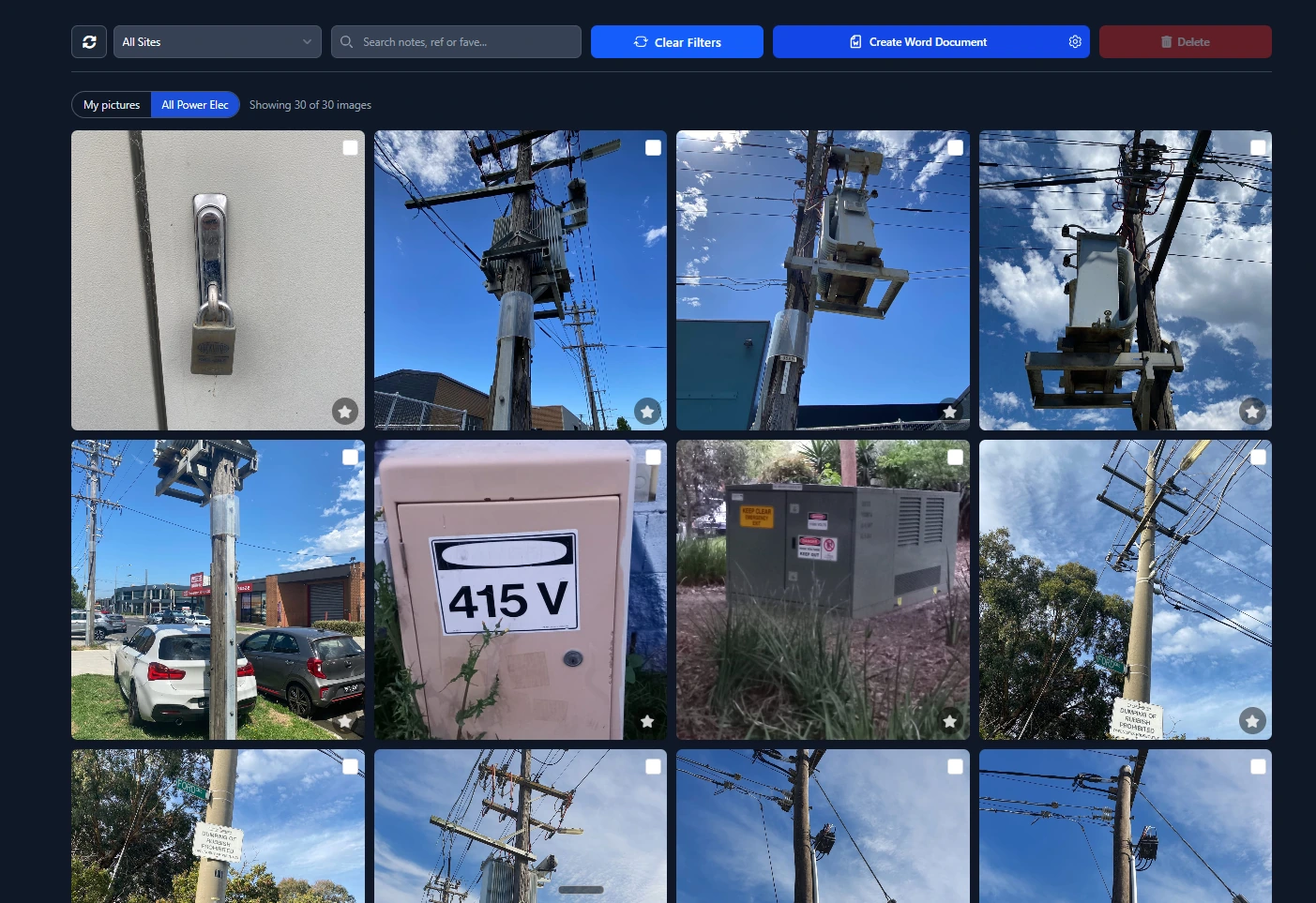
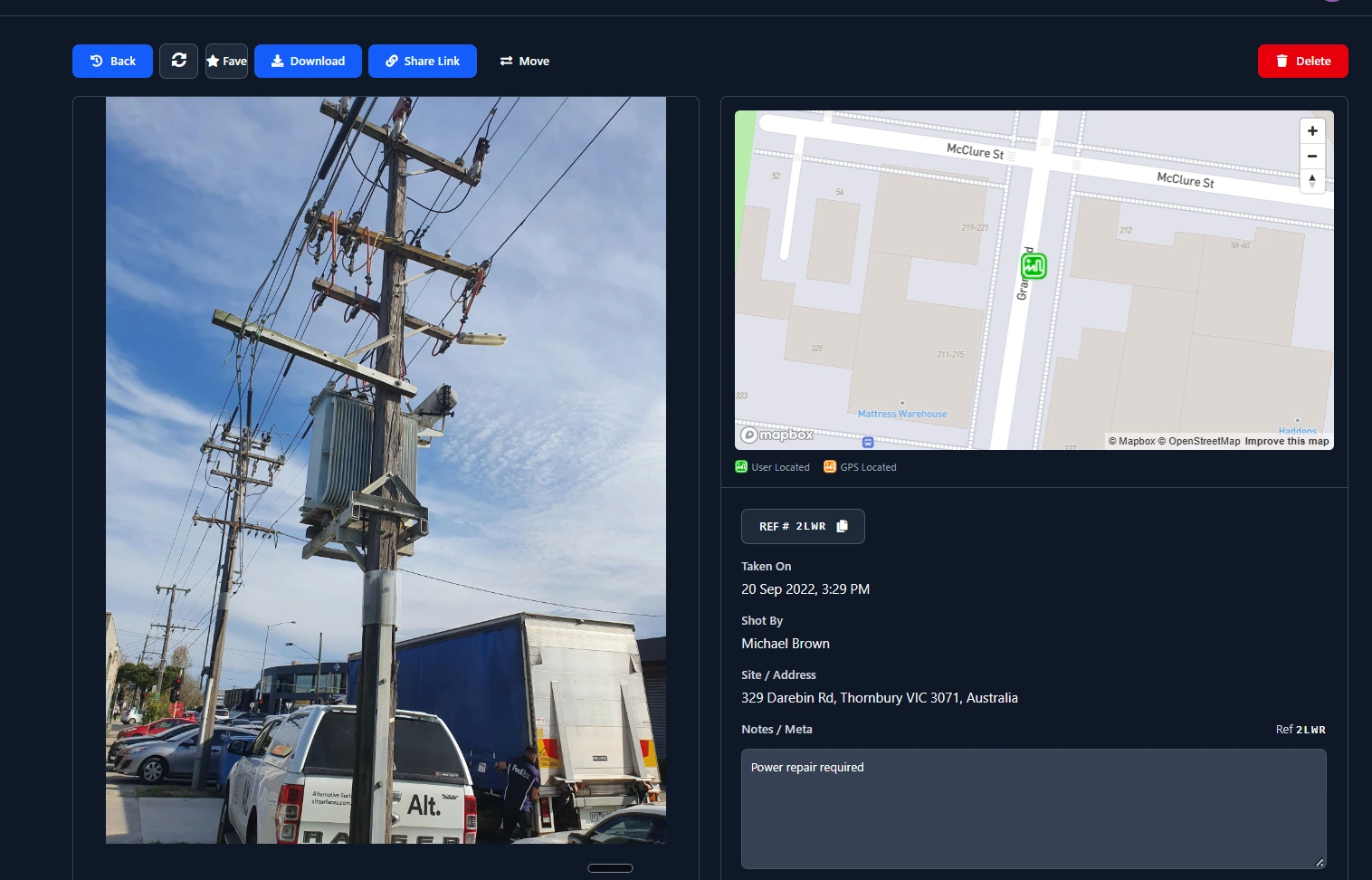
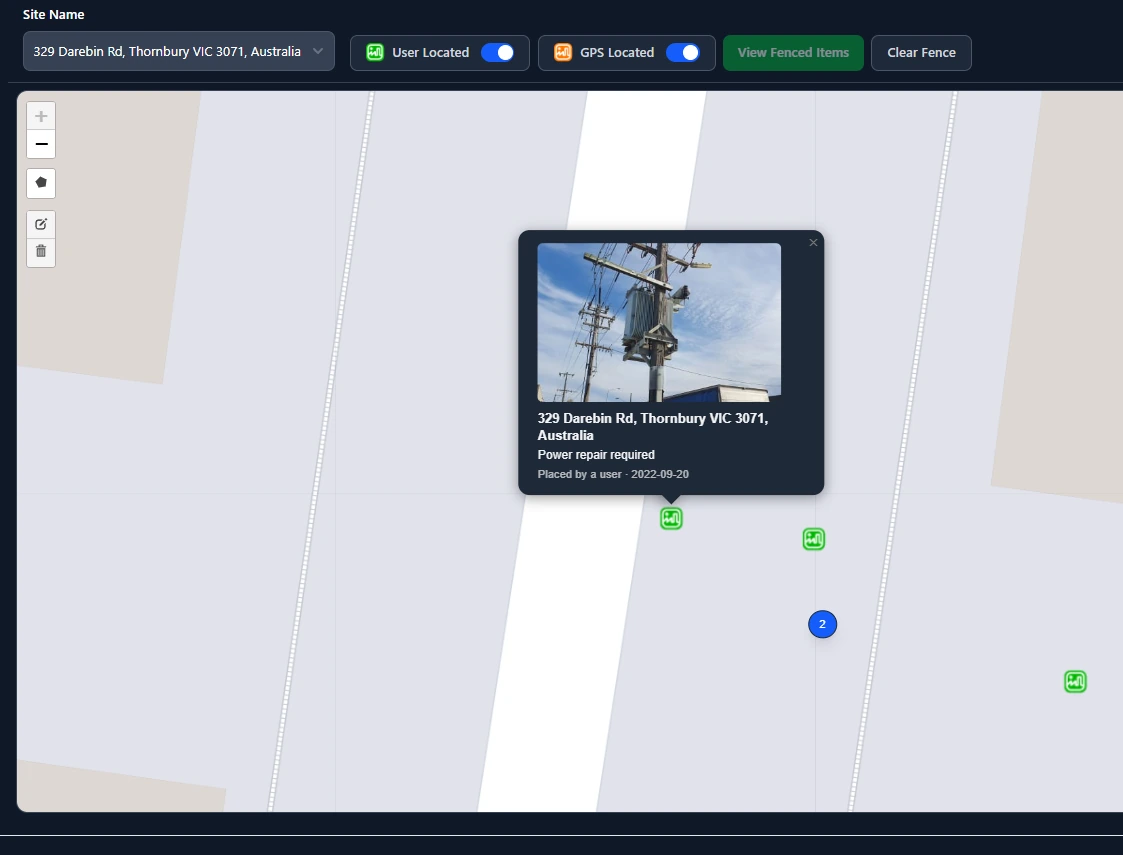
The company feed, ready to search.
-

Share links
Create secure share links so you can add many photos to one email without clogging your customer’s mail server.
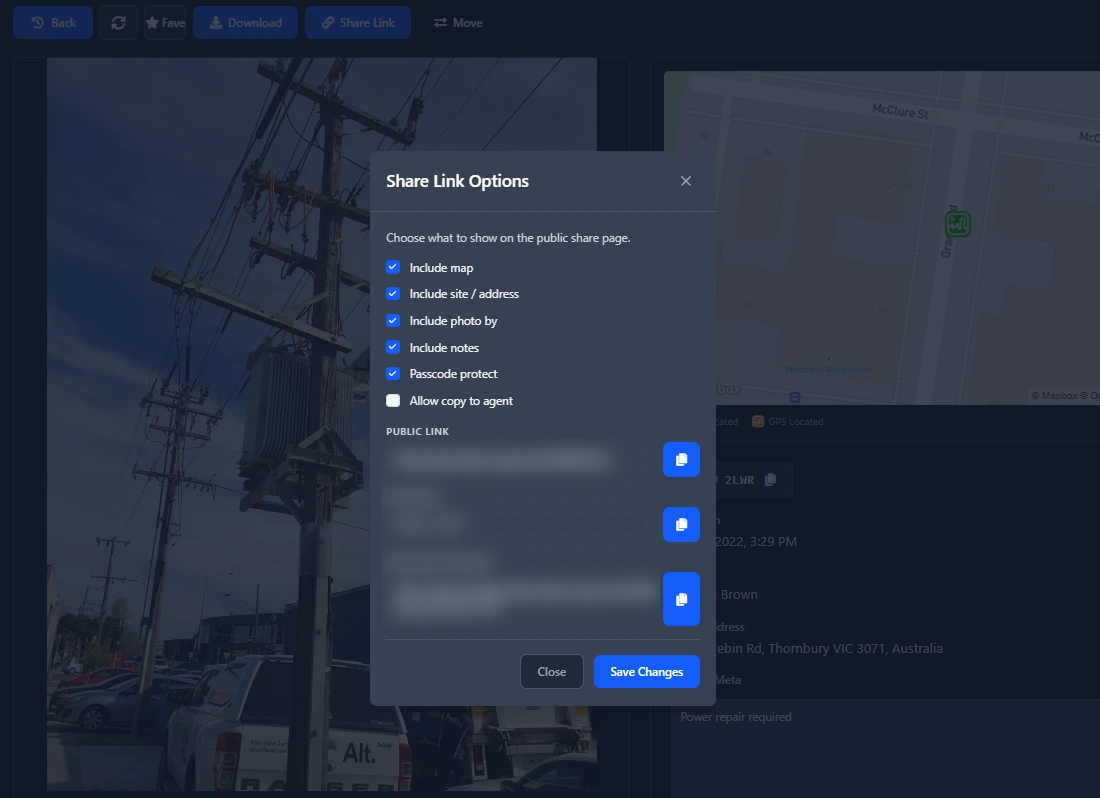
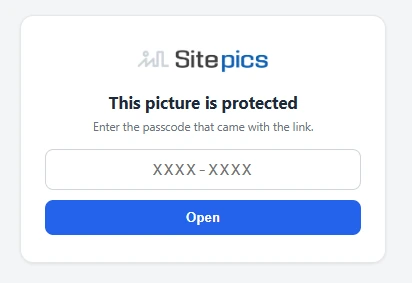
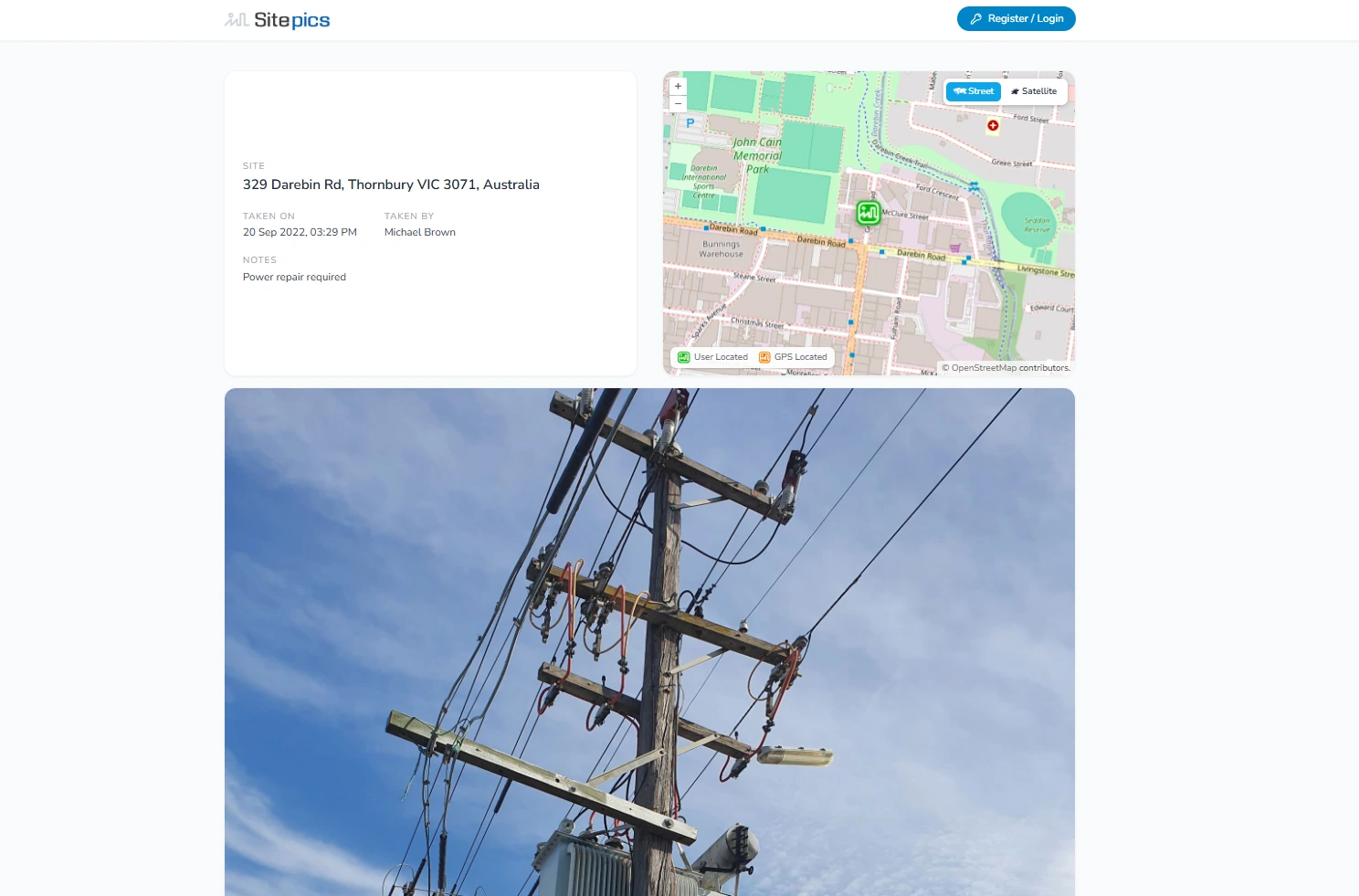
Set an expiry, add a passcode, and share the link.
-
Merge to Word
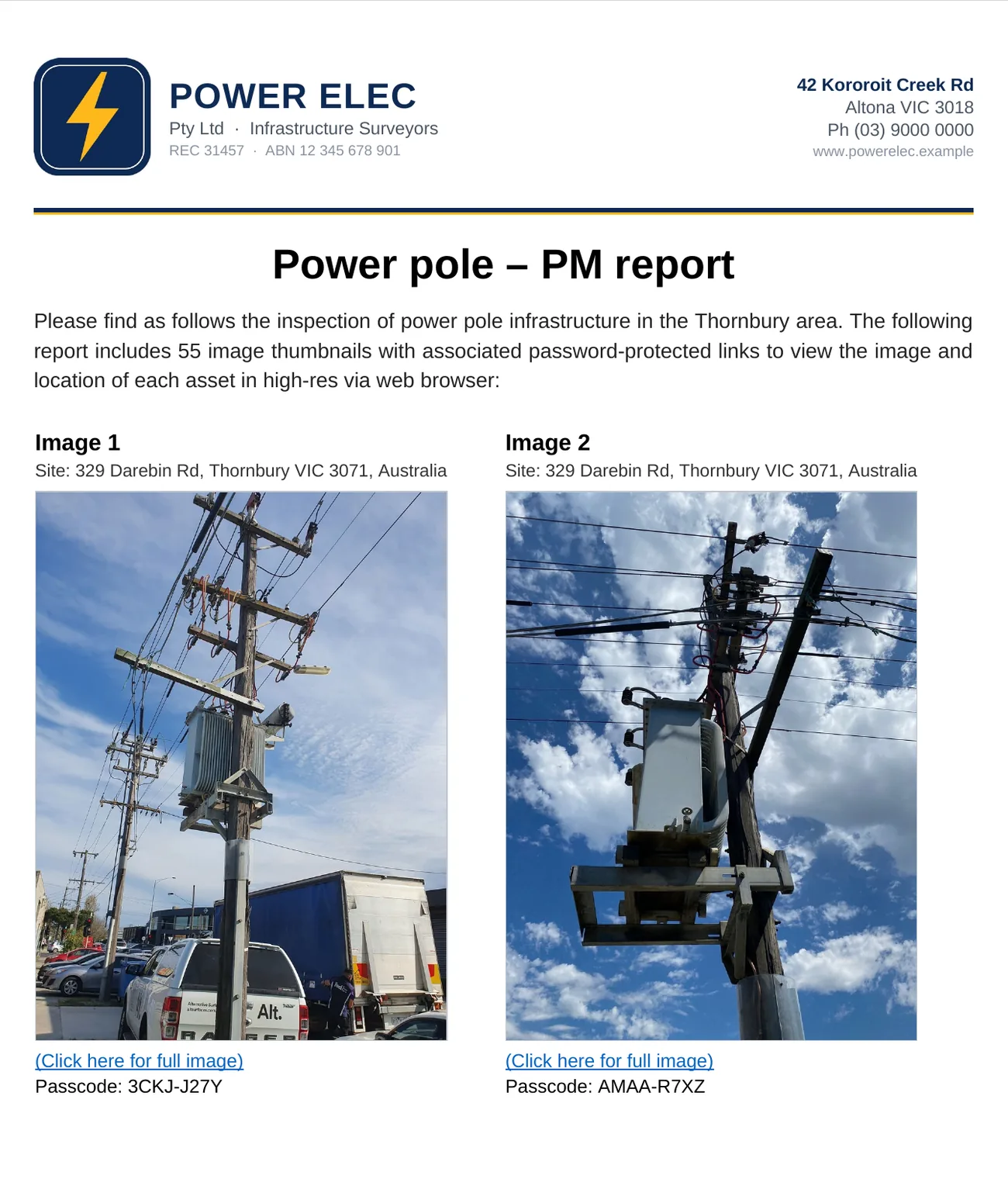
Merge into Word with layout selections that add images, details and passcode-protected links, so your customers can log in and zoom in for all the detail they need.
-
API to your agents
Give your AI agents access to images and docs so they can whip up impressive reports.
-
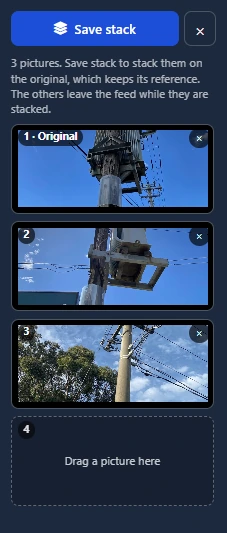
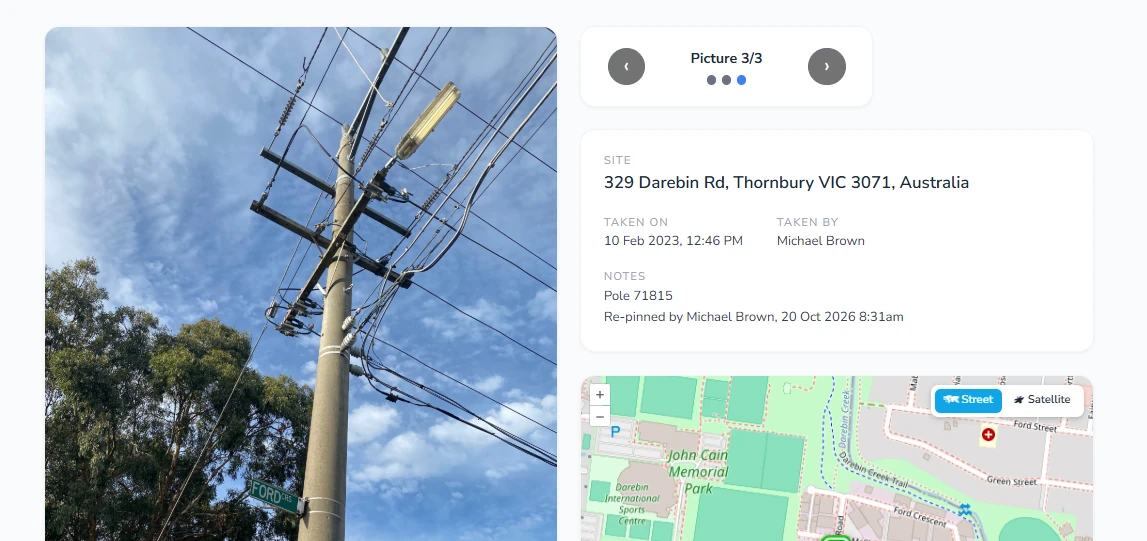
Stack images
Share slideshow links so one link tells your customer the whole story. Great for embedding in invoices to help you get paid quicker.
Get Sitepics

 Windowscoming soon